Productivity shouldn't mean hunting for data.
Activity Monitor is a powerful tool, but it wasn't built for at-a-glance monitoring. MacPath brings your Mac's vitals to your menu bar, so you never have to leave your workflow.
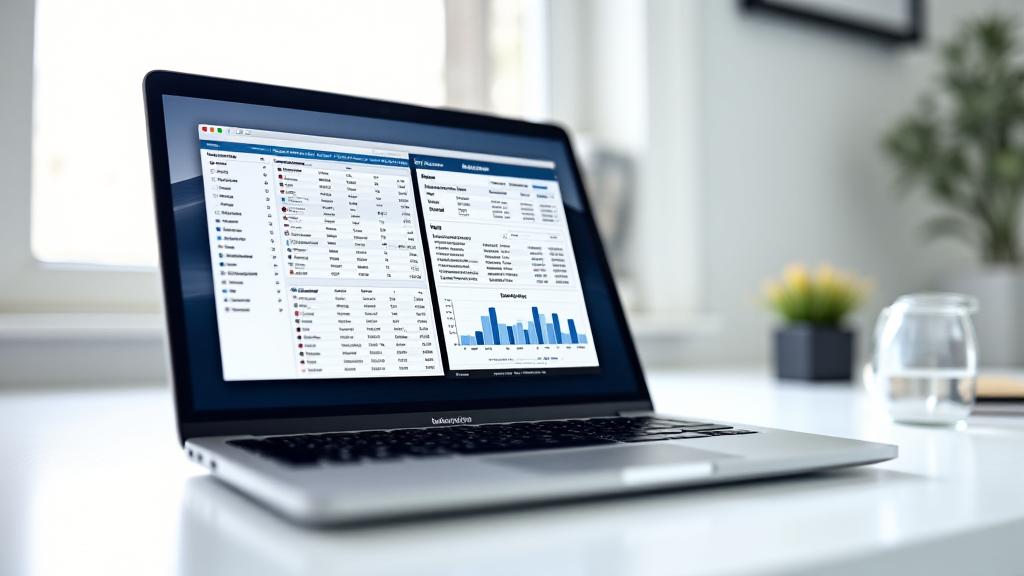
MacPath vs. Activity Monitor
A side-by-side breakdown of features and usability.
| FEATURE | MACPATH | ACTIVITY MONITOR |
|---|---|---|
| Accessibility How quickly can you see your CPU or RAM usage? |
One-click Menu Bar
|
Separate window/App search |
| Visuals & UI Data presentation style. |
Clean, customizable graphs
|
Complex data tables |
| Alerts & Notifications Proactive issue detection. |
Overheating & RAM alerts
|
Passive tracking only |
The MacPath Experience
- Instant access via Menu Bar
- Visual graph-based analytics
- Proactive system alerts
VS
Native Activity Monitor
- Interrupts workflow with windows
- Complex tables and text
- No real-time threshold alerts
Save time and stay focused.
MacPath is designed for users who need professional monitoring without the noise of system utility tools. It's the native monitoring experience macOS was missing.