Advanced System Analytics
Peek under the hood of your Mac with precision-engineered modules designed for power users and professionals.
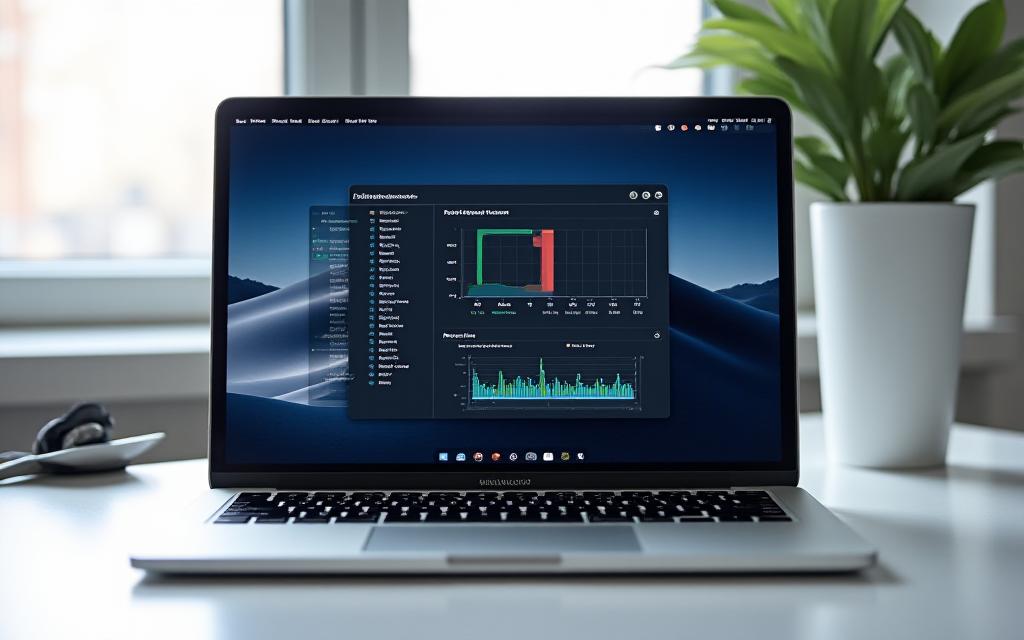
Our CPU drop-down panel provides a granular breakdown of your processor's heartbeat. Unlike Activity Monitor, MacPath displays instantaneous per-core usage and distinguishes between user processes, system tasks, and idle capacity.
- Instant core-frequency scaling tracking.
- Top 5 CPU-intensive app shortcuts.
- Optimized for Apple M1, M2, and M3 chips.

Stop the spin! MacPath identifies apps consuming excessive swap space or exhibiting memory leaks. Clear inactive memory with a single click to keep your workflow smooth.
Dynamic Bandwidth Analysis
Visualize upload and peeds in real-time. Identify bandwidth-hungry background tasks that are slowing down your Zoom calls or file transfers.

Silicon Integration
MacPath is built natively for Apple Silicon. By leveraging the unified memory architecture, we ensure that monitoring your Mac uses less than 0.1% of your resources.

What Our Users Say
"Essential tool for every developer. It's the first thing I install on a new Mac."
James Chen
iOS Lead Developer"I love the minimalist design. It keeps me focused while keeping an eye on my render times."
Sarah Miller
Motion Graphics Artist"MacPath caught a memory leak in my browser before it crashed my entire system. Saved my presentation!"